
Effective Solutions for Common Laptop Problems

Laptops are essential tools for work, study, and entertainment. However, like any electronic device, they can encounter problems that disrupt your daily routine. Understanding common laptop issues and knowing how to fix them can save you time and money. This guide offers practical laptop repair tips to help you troubleshoot and resolve frequent problems effectively.
Identifying and Fixing Common Laptop Issues - Laptop Repair Tips
Laptops can experience a variety of issues, from slow performance to hardware failures. Here are some common problems and how to address them:
Slow Performance and Freezing
A slow laptop can be frustrating. It often results from too many background programs, insufficient RAM, or malware.
Close unnecessary programs: Use Task Manager (Ctrl + Shift + Esc) to end tasks consuming high resources.
Upgrade RAM: Increasing memory can improve multitasking and speed.
Run antivirus scans: Malware can slow down your system; use trusted antivirus software to detect and remove threats.
Clean up disk space: Delete temporary files and uninstall unused applications.
Overheating
Overheating can cause shutdowns and hardware damage.
Clean air vents: Dust blocks airflow; use compressed air to clean vents and fans.
Use a cooling pad: This helps maintain optimal temperature during heavy use.
Avoid soft surfaces: Place your laptop on hard, flat surfaces to improve ventilation.
Battery Issues
Battery problems include rapid draining or failure to charge.
Calibrate the battery: Fully charge, then discharge completely before recharging.
Check power settings: Adjust settings to optimize battery life.
Replace the battery: If the battery is old or damaged, replacement may be necessary.

Screen Problems
Issues like flickering, dead pixels, or a blank screen can be hardware or software related.
Update graphics drivers: Outdated drivers can cause display issues.
Check connections: For external monitors, ensure cables are secure.
Adjust brightness and resolution: Sometimes incorrect settings cause display problems.
Seek professional help: Persistent screen issues may require hardware repair.
How much should I charge to repair a computer?
Setting the right price for computer repair services depends on several factors:
Type of repair: Simple fixes like software troubleshooting cost less than hardware replacements.
Time required: Charge based on the estimated hours needed.
Parts cost: Include the price of any replacement parts.
Market rates: Research local competitors to stay competitive.
Experience level: More experienced technicians can command higher fees.
For example, a virus removal might cost between MYR 50 to MYR 150, while a motherboard replacement could be several hundred ringgit. Always provide a clear estimate before starting work to avoid misunderstandings.

Practical Tips for Maintaining Your Laptop’s Health
Preventive maintenance can extend your laptop’s lifespan and reduce repair needs.
Regular updates: Keep your operating system and software up to date.
Backup data: Use cloud storage or external drives to protect important files.
Use antivirus software: Regular scans prevent malware infections.
Handle with care: Avoid dropping or exposing your laptop to liquids.
Clean regularly: Wipe the keyboard and screen gently and clean vents periodically.
By following these tips, you can avoid many common problems and keep your laptop running smoothly.
When to Seek Professional Help
Some laptop issues require expert attention. Consider professional repair if:
Your laptop won’t power on.
There is physical damage to the screen or keyboard.
You suspect hardware failure like a faulty hard drive.
Software problems persist after troubleshooting.
You are uncomfortable performing repairs yourself.
Using reliable computer repair services ensures your device is handled by skilled technicians with the right tools.
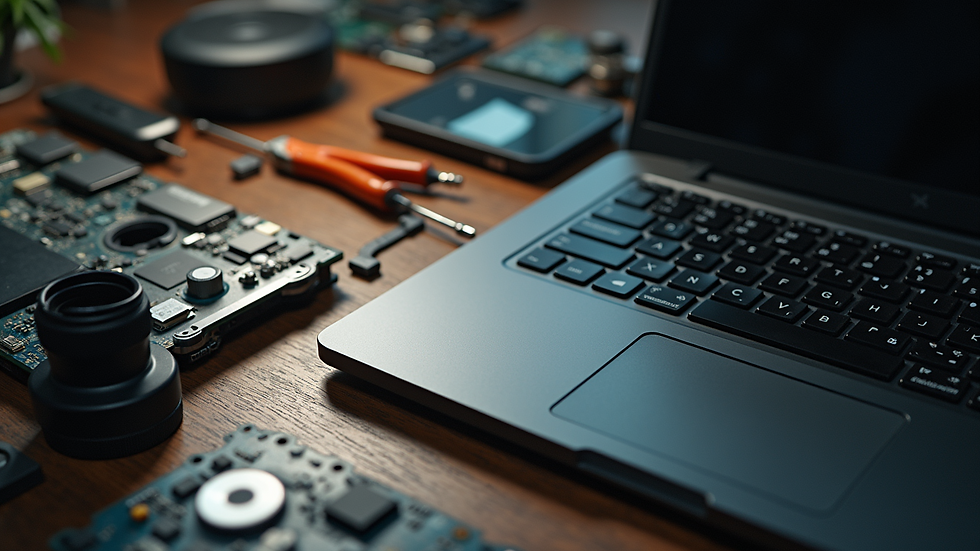
Enhancing Your Laptop Experience with Simple Upgrades
Upgrading your laptop can improve performance without buying a new device.
Add more RAM: Boost multitasking and speed.
Switch to SSD: Solid State Drives offer faster boot times and data access.
Upgrade the battery: A new battery can restore portability.
Improve peripherals: Use external keyboards, mice, or monitors for better ergonomics.
These upgrades are often cost-effective and can significantly enhance your laptop’s usability.
By understanding common laptop problems and applying these laptop repair tips, you can troubleshoot many issues yourself or know when to seek professional help. Regular maintenance and timely upgrades will keep your laptop performing at its best for years to come.


Comments