
Signs Your Device May Need Professional Repair
- EIT PRO SOLUTIONS

- Jun 9, 2025
- 4 min read
In our tech-driven world, devices like smartphones, tablets, and laptops are integral parts of our lives. However, they can often face issues that may require professional intervention. Are you noticing strange behaviors or cracks on your screen? It may be time to take a closer look. This post will explore the signs that indicate your device needs professional repair, helping you to prevent further damage and save you time and money in the long run.
Common Device Repair Issues
Devices can malfunction for various reasons. Some issues manifest as small annoyances, while others may indicate more severe problems. Regularly monitoring your device can help catch issues early.
Cracks and Physical Damage: One of the most obvious signs that your device needs repair is visible physical damage. Cracks on the screen or housing can affect functionality. If the screen is shattered, it may lead to more issues, such as the touch sensitivity failing or internal components becoming exposed.
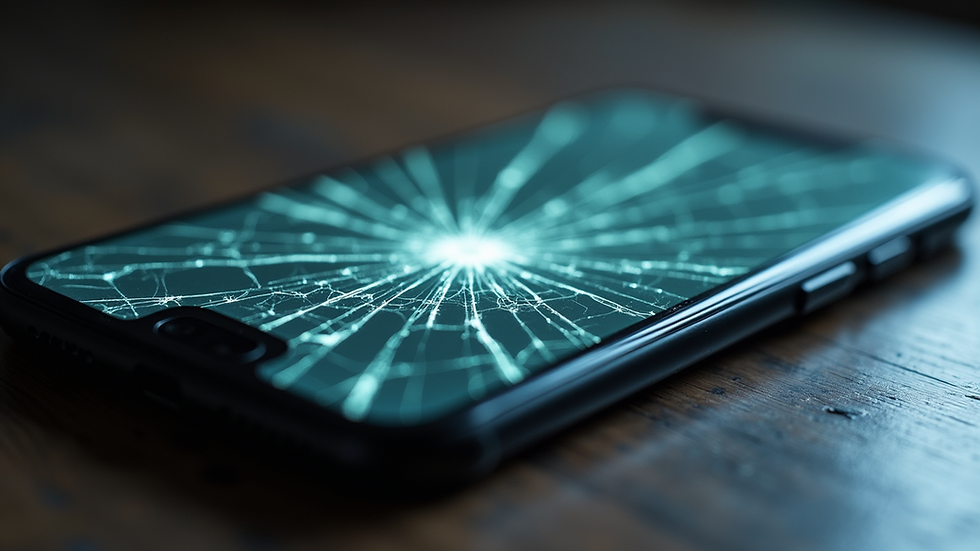
Close-up of a cracked smartphone screen showing visible damage. Battery Problems: If your device's battery drains quickly or won't charge at all, it is often a sign that professional repair services are needed. A well-functioning battery should maintain a charge for a reasonable amount of time. If it doesn't, the battery or internal charging components may need replacing.
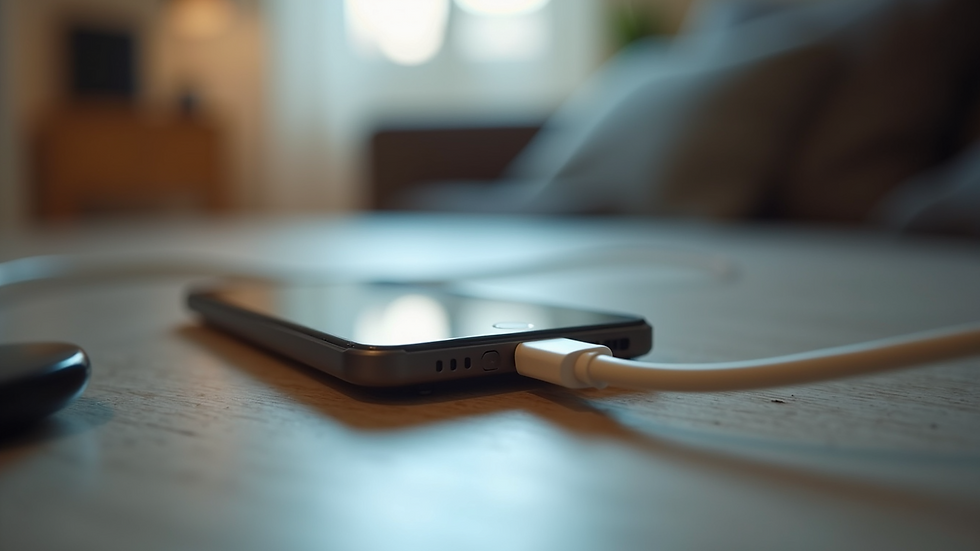
Eye-level view of a smartphone charging cable plugged into a device, indicating charging issues. Software Glitches: Software issues can range from apps crashing frequently to the device freezing altogether. If you experience persistent software glitches after performing troubleshooting methods like resetting or restoring the device, it may require professional diagnosis and repair.
Performance Slowdown Signs
Have you noticed that your device seems to be running slower than it used to? This slowdown can be a clear indicator that something isn't right.
Apps Take Too Long to Open: If your apps take a significant amount of time to load or frequently crash, this slowdown can point towards software issues or even hardware failures.
Device Overheating: A warm device after heavy usage can be normal, but if your device constantly overheats — even with light use — this could signal internal problems such as a failing battery.
Storage Warnings: Oftentimes, devices will warn you that storage is low. If you regularly delete files and still receive warnings, you may need to check if your storage component is malfunctioning.
Unresponsive Touch Screens
A malfunctioning touch screen can be incredibly frustrating. If your screen is unresponsive or has a delay in response time, the problem could be more complicated than a simple software glitch.
Random Inputs: If your device registers random touches or opens apps without being prompted, this could indicate a failing digitizer, the part that detects touch on the screen. Repair may involve replacing the touch screen entirely.
Physical Damage and Misalignment: Sometimes, a screen may look intact but has unseen internal issues stemming from previous drops or damage.

High angle view of a smartphone with a cracked screen highlighting unresponsive areas.
Connectivity Problems
In our highly connected world, weak Wi-Fi, Bluetooth issues, and SIM card problems can be particularly frustrating.
Wi-Fi Issues: If your device struggles to connect to known networks or drops connections frequently, the problem could be hardware-related. Internal components that enable Wi-Fi connectivity may need professional attention.
Bluetooth Connectivity: If you are unable to pair devices or maintain Bluetooth connections, troubleshooting settings may not resolve the issue. This could signal that the Bluetooth module in your device is faulty.
SIM Card Recognition: If you notice that your device does not recognize the SIM card, this could be an indication that the SIM card slot or the motherboard is experiencing issues.
Unexpected Shutdowns
When a device shuts down unexpectedly, it is not merely an annoyance but a serious issue.
Battery Problems: As mentioned earlier, battery issues can cause random shutdowns. If your device shuts off even while plugged in, it may indicate that the battery is compromised and needs to be replaced.
Overheating Protection: Many devices have built-in features that shut them down to prevent damage from overheating. If your device frequently shuts down without warning, a visit for professional repair may be necessary.
Internal Failures: In some cases, internal hardware issues like a failing motherboard can lead to multiple shutdowns. Ironically, the longer you wait to have it checked, the more damage may occur.
When to Seek Professional Help
You might feel tempted to ignore some of these problems or try to fix them yourself. However, in many cases, professional help is essential. Here are some indicators that you should reach out for professional repair services.
Inability to Perform Basic Functions: If your device struggles to perform basic tasks, like sending messages or making calls, it’s definitely time for a repair service visit.
Voids Warranty Risk: Attempting to repair your device yourself may void any existing warranty. If the device is still under warranty, contacting the manufacturer or professional service provider can often save you costs.
Complex Repairs Required: There are many types of problems that require specialized tools or parts to fix. If you suspect your device has internal damage, complex software issues, or needs part replacements, avoid DIY fixes and consult professionals.
In summary, while some device issues can be solved with a simple restart or update, others require a keen eye and expertise. If you encounter persistent trouble, don't hesitate to seek professional help. Remember, tackling minor issues early can save you from extensive damage and higher repair costs down the line.
Final Thoughts
Monitoring your devices can help you identify problems before they escalate. Look out for physical damage, performance issues, connectivity troubles, and unexpected shutdowns. Taking note of these signs allows you to address them promptly and efficiently.
If you find that your device consistently shows these warning signs, don’t overlook the importance of professional intervention. For thorough diagnostics and top-notch repairs, consider exploring device repair services. Investing in your device’s health ensures that it serves you well for many years to come.


Comments