
What to Do When Your Devices Stop Working
- EIT PRO SOLUTIONS

- Aug 11, 2025
- 3 min read
When your device suddenly stops working, it can be frustrating and disruptive. Whether it’s your smartphone, laptop, or tablet, knowing the right steps to take can save you time, money, and stress. This guide will walk you through practical actions to troubleshoot and repair your devices effectively.
How to Approach Device Repair When Things Go Wrong
The first step when a device stops working is to stay calm and assess the situation. Here are some simple steps to follow:
Restart the device: Sometimes, a simple reboot can fix minor glitches.
Check the power source: Ensure your device is charged or properly plugged in.
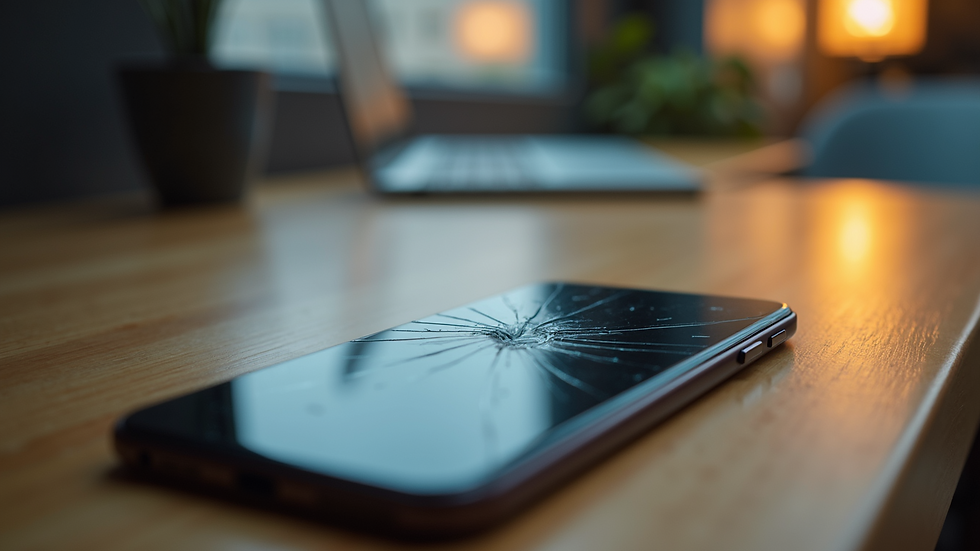
Inspect for physical damage: Look for cracks, dents, or loose parts.
Remove recently installed apps or updates: These can sometimes cause conflicts.
Try safe mode or recovery mode: This can help identify if software is the issue.
If these steps don’t work, it’s time to consider professional help. Many issues require specialized tools and expertise to fix.
Understanding the Importance of Professional Device Repair
Professional device repair is essential when basic troubleshooting fails. Experts have the knowledge and tools to diagnose complex problems such as hardware failures, software corruption, or battery issues. Attempting to fix these yourself can sometimes cause more damage.
Using reliable device repair services ensures your device is handled carefully and repaired correctly. These services often provide warranties and use genuine parts, giving you peace of mind.
Signs You Need Professional Device Repair
Device won’t turn on despite charging
Frequent crashes or freezes
Overheating or unusual noises
Broken or unresponsive screen
Battery drains quickly or won’t charge
If you notice any of these signs, it’s best to seek expert assistance promptly.

What is the meaning of repair services?
Repair services refer to professional assistance provided to fix malfunctioning or broken devices. These services cover a wide range of issues, including hardware repairs, software troubleshooting, and component replacements. Repair services aim to restore the device to its original working condition or improve its performance.
Repair technicians use diagnostic tools to identify the root cause of the problem. They then apply the appropriate fixes, such as replacing faulty parts, reinstalling software, or cleaning internal components. Repair services can be offered by manufacturers, third-party companies, or independent specialists.
Choosing the right repair service depends on factors like cost, turnaround time, and warranty coverage. It’s important to select a reputable provider to ensure quality work and avoid scams.
DIY Tips Before Seeking Device Repair Services
Before you hand over your device to professionals, there are a few things you can try yourself:
Backup your data: Protect your important files by backing them up to the cloud or an external drive.
Update software: Sometimes, updating your device’s operating system can fix bugs.
Reset settings: Restoring factory settings can resolve software conflicts but remember to back up first.
Clean your device: Dust and debris can cause overheating or poor connections.
Check warranty status: If your device is still under warranty, repairs might be free or discounted.
If these steps don’t resolve the issue, it’s time to contact professional repair services.

How to Choose the Right Device Repair Service
Selecting the right repair service is crucial for a successful fix. Here are some tips to help you make the best choice:
Check reviews and ratings: Look for feedback from previous customers.
Verify certifications: Ensure technicians are certified and trained.
Compare prices: Get quotes from multiple providers to find a fair price.
Ask about warranties: A good repair service offers guarantees on their work.
Consider turnaround time: Choose a service that can repair your device promptly.
By doing your research, you can avoid scams and ensure your device is in good hands.
What to Expect After Device Repair
Once your device is repaired, test it thoroughly to confirm the issue is resolved. Keep an eye on its performance over the next few days. If problems persist, contact the repair service immediately.
Maintain your device by following best practices such as regular updates, safe usage, and proper storage. This will help extend its lifespan and reduce the need for future repairs.
Taking quick action when your device stops working can save you from bigger problems down the line. Whether you try simple fixes yourself or rely on professional device repair services, knowing what to do is key to getting back online quickly.


Professional services for Sewa mesin fotocopy Jakarta are usually arranged systematically to ensure efficiency. Equipment options are outlined clearly for better decision-making.